
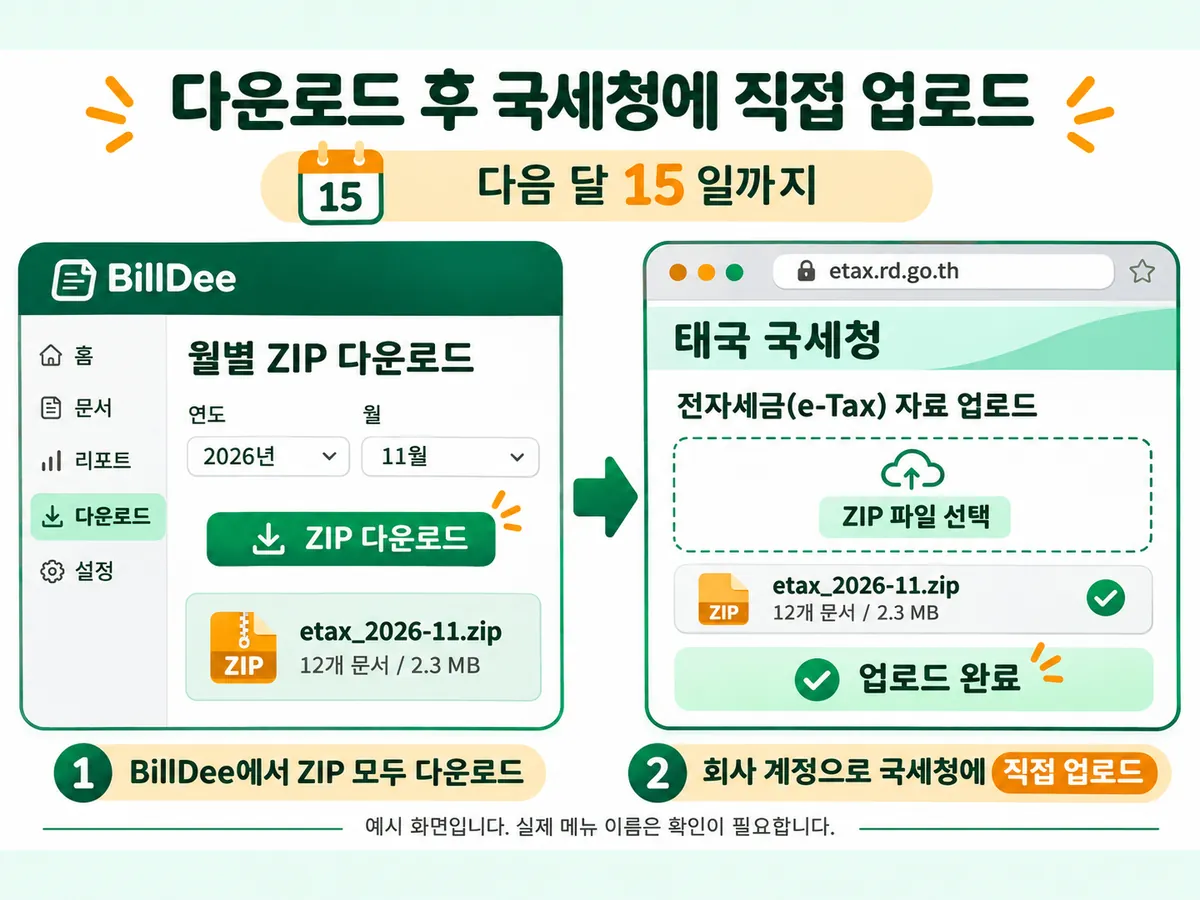
Your company submits directly. BillDee prepares monthly signed XML ZIPs. Download every part, sign in with your company account, upload and retain the receipt.
First download all previous-month ZIPs from the dashboard.
Monthly submission
Submit tax invoices and debit or credit notes by the 15th of the following month under the Revenue Department’s web-upload rules.